
How to Order Chrome Carts
From choosing a flavor to tracking your parcel: here is every step.
1. Choose your products
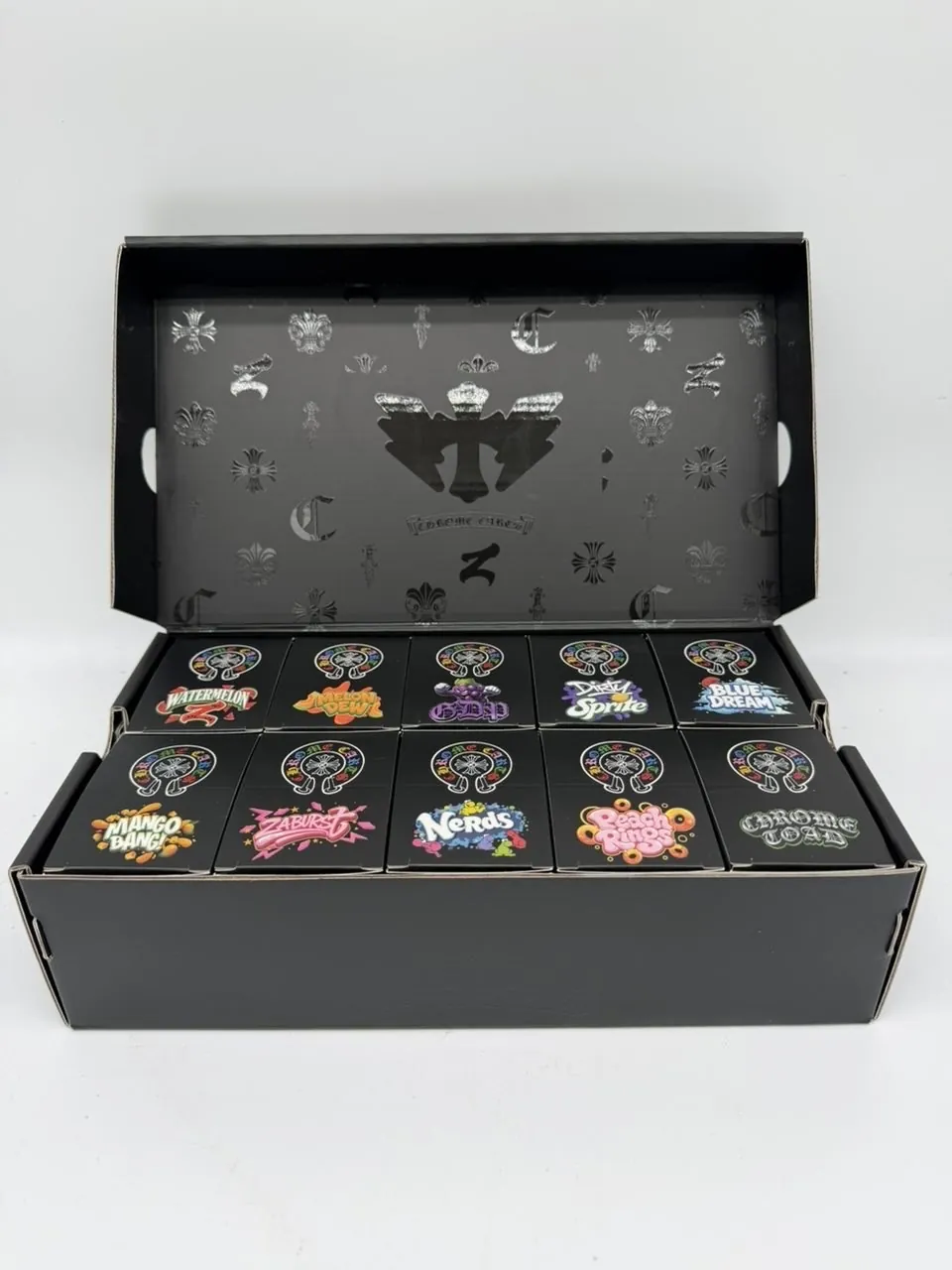
Browse the shop page. Singles are one flavor each at $20. For larger orders, pick a pack size on the Zaza Exotics or Rainbow V2 product page.
2. Review your cart
Open the cart using the icon at the top of the page and check the items and quantities.
3. Check out
Enter your contact and delivery details and pick a shipping option. By ordering, you confirm you are 21 or over and that the purchase is lawful where you live.
4. Complete payment
The payment options available to you are shown at checkout, along with any instructions you need. We begin preparing your order once payment is confirmed.
5. Track delivery
You will receive tracking details by email once your order ships. Our shipping policy explains timings and what to do if there is a problem.
6. Check it on arrival
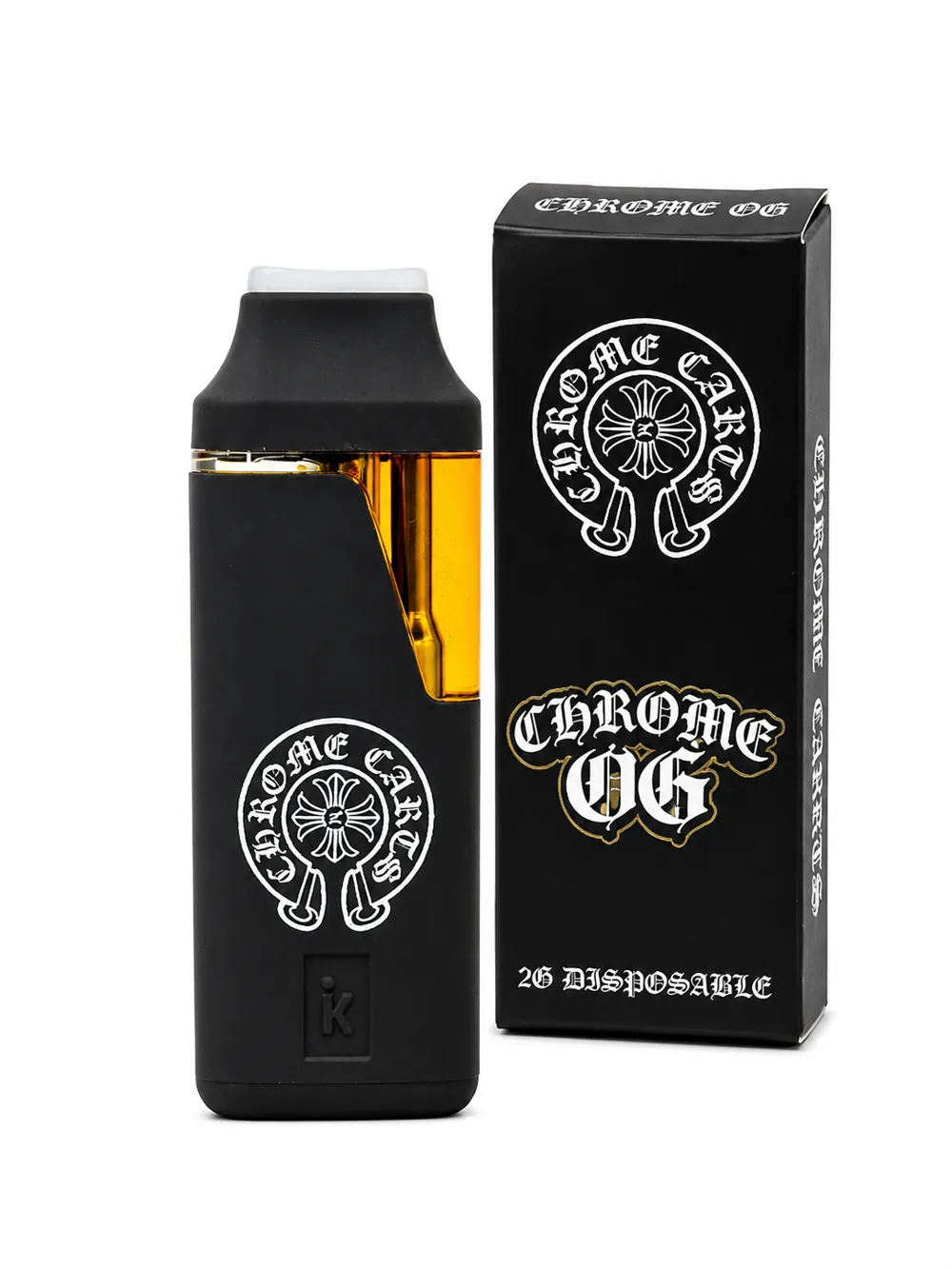
Inspect the box and the pen before first use. Use our authenticity guide and email us straight away if anything looks wrong.
Popular flavors right now


Ready to pick yours?
Browse the full lineup, compare pack sizes and order in a few minutes.